No bot in the room.
Echo listens from your computer, so the meeting is just the people you invited.
- Your computer’s audio
- Echo listens to your microphone and your computer’s audio, during meetings you start it on.
- Any call app
- It works with any call app, WhatsApp included. Zoom, Google Meet and Microsoft Teams are the ones it’s built around.
- In person
- On your phone or your computer, it uses the microphone.
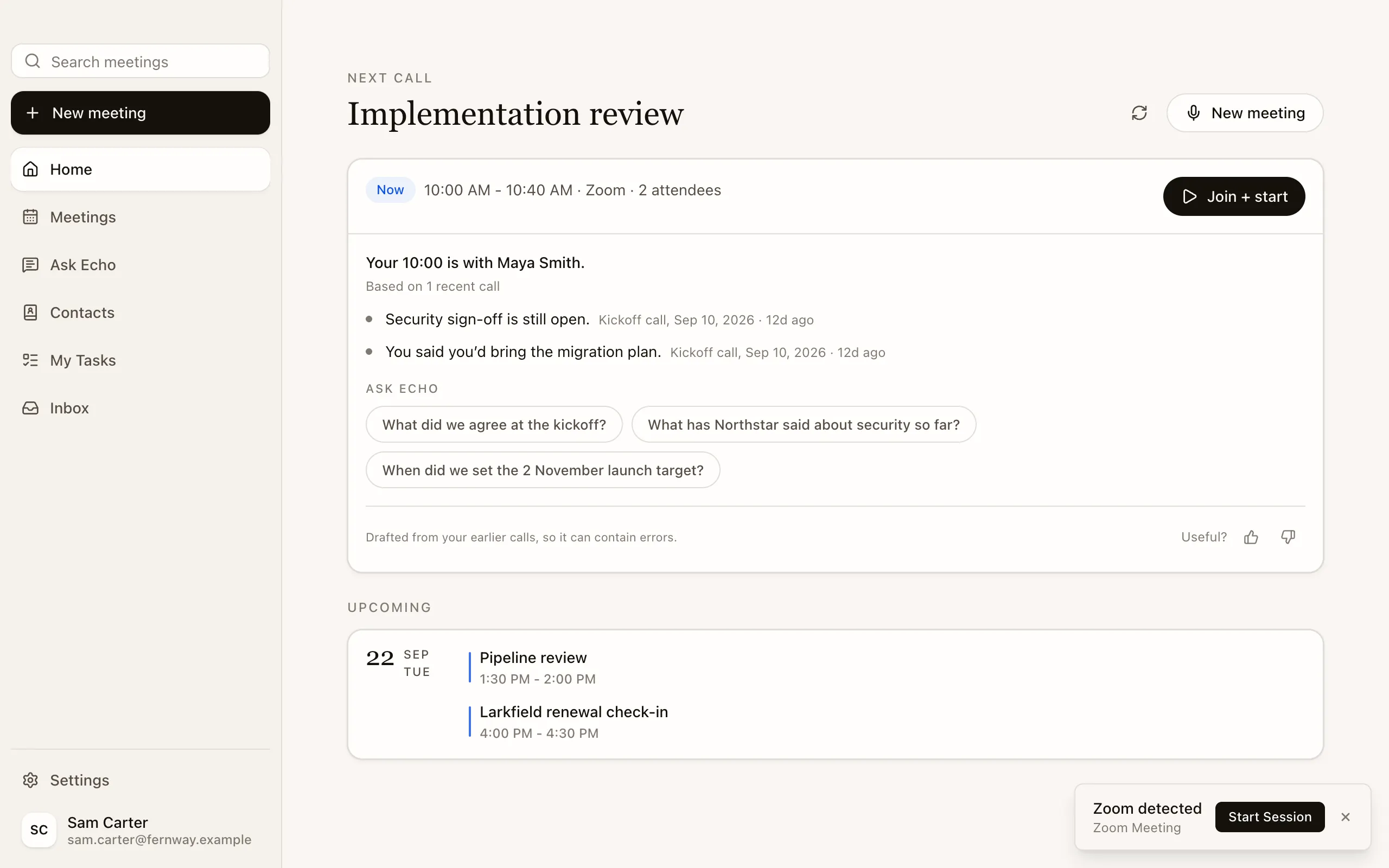
- It offers to start
- As your Zoom, Google Meet or Teams call begins, Echo offers to start a session.

Before you record.
The people on the call hear about Echo from you.
- Tell them
- Say at the start that you’re taking notes with an AI assistant, and get the permission your local law requires before you record.
- Speaker names
- Echo reads names from Google Meet, Teams and Zoom when it can. Otherwise you name each voice.
- Your recordings
- For recordings, you choose: keep them, have them deleted once the transcript is confirmed, or turn recording off.
- Kept safe
- Encrypted in transit and at rest in Echo’s cloud. We don’t train AI models on your content.